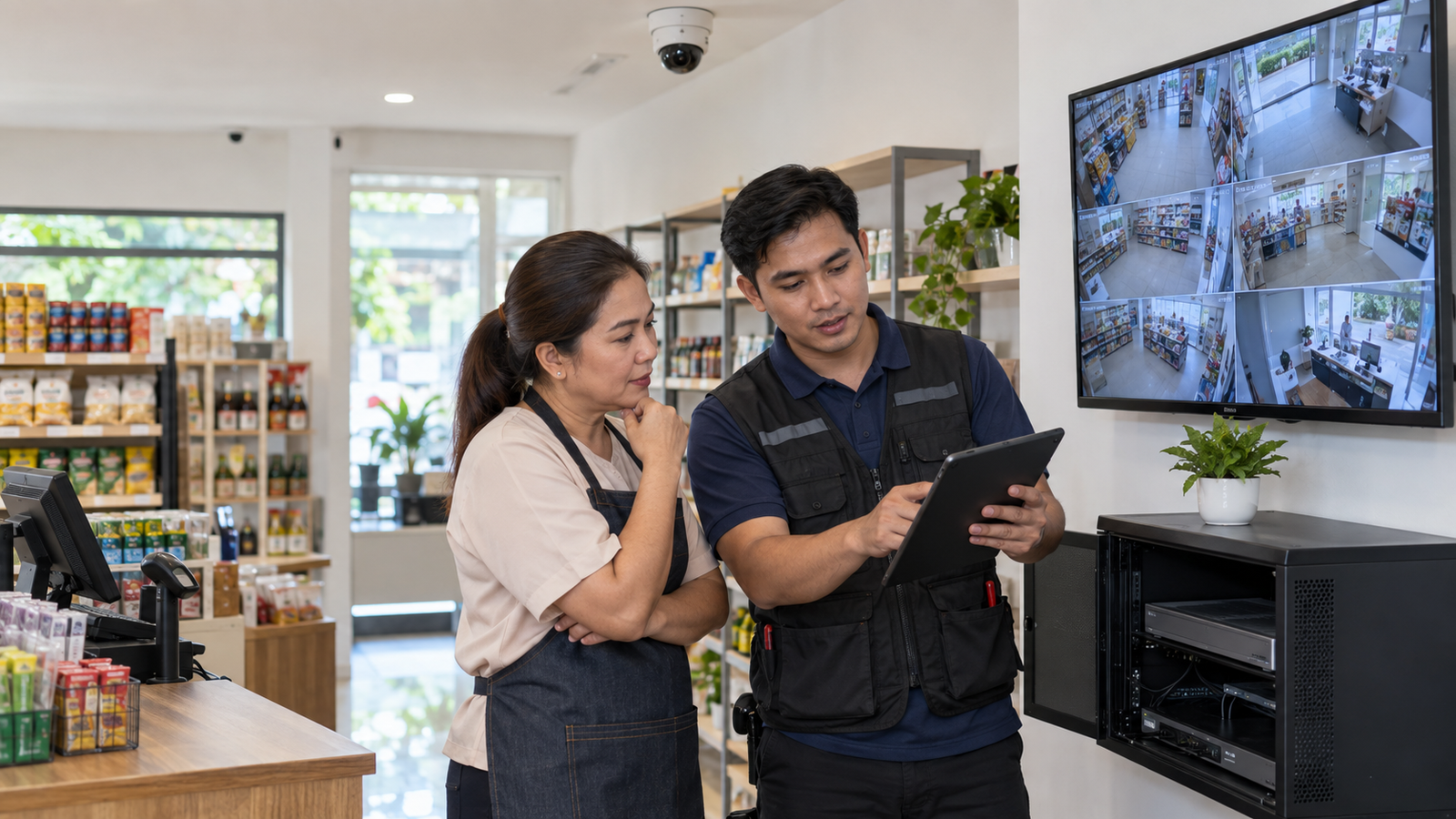
CCTV maintenance for a retail shop is easy to ignore because the cameras still look alive. The monitor shows video, the recorder has lights, and the phone app opens. The problem is that a working-looking system can still fail the moment a shop owner needs useful footage. The angle may have shifted. The time stamp may be wrong. The cashier view may be blocked by a new display rack. The recorder may no longer keep footage as long as the owner expects.
For retail shops in Pampanga, CCTV maintenance should be treated as a simple operating routine, not only a repair call after something breaks. CCTV Pampanga provides CCTV installation, custom camera planning, remote viewing setup, and after-sales support across Pampanga. A good maintenance checklist helps the shop owner keep that system useful after installation day.
Start With Each Camera’s Job
Before checking hardware, write down what every camera is supposed to help answer. A retail shop may need different views for the entrance, cashier counter, aisles, stockroom door, receiving area, parking space, or back entrance. One camera may be for identifying visitors. Another may be for watching movement. Another may be for reviewing transactions or deliveries.
This matters because maintenance is not just asking whether a camera is online. A camera can be online and still fail its job. If the entrance camera is meant to identify faces, check whether faces are still clear at normal walking distance. If the cashier camera is meant to review counter activity, check whether the display rack, promo stand, or hanging decor now blocks the view.
Do A Daily Opening And Closing View Check
Retail teams do not need a technical inspection every day, but they should know how to do a quick visual check. At opening, confirm that all critical cameras show live video. At closing, check that entrances, cash handling areas, and exterior approaches still look clear under night lighting.
Keep the check short so staff will actually do it:
- Are all key cameras online?
- Is the cashier or entrance view blocked?
- Is the date and time believable?
- Are night views clear enough near doors and parking?
- Did any camera move after cleaning, delivery, or repair work?
If the answer is uncertain, take a photo of the monitor or app and report it to the owner or support contact.
Test Playback Before You Need Evidence
Many shops check live view but forget playback. Live view only proves the camera is showing video now. Playback proves the recorder is saving footage that can be searched later.
At least monthly, test whether a manager can find yesterday’s footage, jump to a specific time, switch camera views, and export a short clip if the system supports it. Confirm that the date and time are correct. A wrong timestamp can make footage harder to use for delivery disputes, staff questions, customer concerns, or after-hours review.
Also check the real storage period. A shop may believe it has weeks of recording, but actual retention depends on camera count, resolution, recording mode, hard drive health, motion activity, and system settings. Ask the installer to explain the practical storage expectation and record it in the shop file.
Keep Lenses, Housings, And Views Clear
Retail shops change constantly. New shelf layouts, seasonal displays, tarpaulins, hanging products, glass reflections, boxes, and parking changes can all reduce camera usefulness. Outdoor cameras also collect dust, rain marks, insects, and spider webs. A small smudge can make night footage look cloudy.
Assign a safe visual check for each camera location. Staff can report dirt, blocked views, loose brackets, water marks, or glare without climbing or opening equipment. For high cameras, exterior cameras, or any unit near electrical routes, request technician service instead of risky cleaning.
Review Night, Rainy-Day, And Glare Conditions
A camera view that looks fine at noon may be weak at closing time. Test the views during the hours that matter to the shop: opening, lunch rush, closing, delivery windows, and rainy evenings. Watch for glare from glass doors, headlights, shiny shelves, bright cashier lights, or wet floors.
If night footage is washed out or too dark, the fix may involve camera angle, light placement, lens cleaning, exposure settings, or an added focused view. Do not assume the camera itself is the only issue until the scene and lighting are checked.
Check The Recorder, Router, And Power Setup
CCTV depends on more than cameras. The recorder, hard drive, power supply, network connection, router, cables, monitor, and sometimes backup power all affect reliability. A shop renovation, router replacement, internet change, brownout, or moved cabinet can disrupt recording or remote viewing.
Keep the recorder area clean, ventilated, and protected from spills, dust, and accidental unplugging. Do not pile products around the recorder cabinet. Label basic equipment so managers know what should not be switched off during cleaning or closing.
After brownouts or network changes, test live view, playback, remote access, and timestamps again. Small power and network changes are common sources of CCTV complaints.
Control App Access And User Accounts
Retail shops often have changing staff, multiple managers, family members, or branch supervisors using remote viewing. That convenience needs control. Review who has access to the app, who has admin authority, and which devices should be removed after staff changes.
Avoid sharing one owner-level login with everyone. If the system supports separate users, use them. Keep passwords and recovery details in an owner-controlled file, not in a public group chat. When a phone is lost or an employee leaves, remove that access promptly.
Keep A Simple Maintenance Record
A useful record does not have to be complicated. Track the date of checks, the issue found, who reported it, what action was taken, and whether playback was tested afterward. Save screenshots of errors, offline cameras, strange images, or time problems.
This record helps CCTV Pampanga or any service technician understand the pattern faster. It also helps the owner see whether the same camera keeps failing because of weather exposure, cable damage, power interruptions, or store layout changes.
Retail CCTV Maintenance Checklist
Use this checklist monthly and after layout, power, or internet changes:
- Confirm each camera still matches its assigned job.
- Check entrance, cashier, stockroom, delivery, and exterior views.
- Test live view and playback, not just the phone app.
- Confirm date, time, and practical storage period.
- Look for blocked views, dirt, rain marks, glare, and moved angles.
- Review night and rainy-day footage at real operating hours.
- Keep the recorder area clear, cool, labeled, and protected.
- Remove old users and secure owner-level admin access.
- Record issues, screenshots, service visits, and completed fixes.
- Request technician support for high cameras, cabling, recorder faults, or repeated problems.
When To Call CCTV Pampanga
Call CCTV Pampanga if cameras go offline, playback is missing, storage is shorter than expected, remote viewing fails, timestamps drift, night views become cloudy, or the shop layout has changed enough to create blind spots. A site-specific maintenance review can check the camera views, recorder, remote access, user permissions, cable routes, and support needs.
The goal is not to make the system look impressive on the wall. The goal is to keep footage useful for real retail questions: who entered, what happened at the counter, when a delivery arrived, whether a stockroom door was used, and whether the shop can still review events clearly when it matters.
For help with recording, playback, or camera coverage, contact CCTV Pampanga. Review our remote viewing guide and camera placement guide for related checks.
FAQs
How often should a retail shop check CCTV maintenance? Do a quick live-view check during opening or closing, then test playback and storage at least monthly or after layout, router, power, or lighting changes.
Why is playback testing important if live view works? Live view only shows what is happening now. Playback confirms that the recorder is saving footage, timestamps are correct, and managers can find past events.
What CCTV problems are common in retail shops? Common issues include blocked camera views, dirty lenses, glare, wrong timestamps, full or failing storage, router changes, offline cameras, and old app users.
When should a shop call a CCTV technician? Call for repeated offline cameras, missing footage, recorder errors, unsafe camera access, cable concerns, failed remote viewing, or major shop layout changes.
Free site survey — same-day quote. We cover all cities and municipalities.